
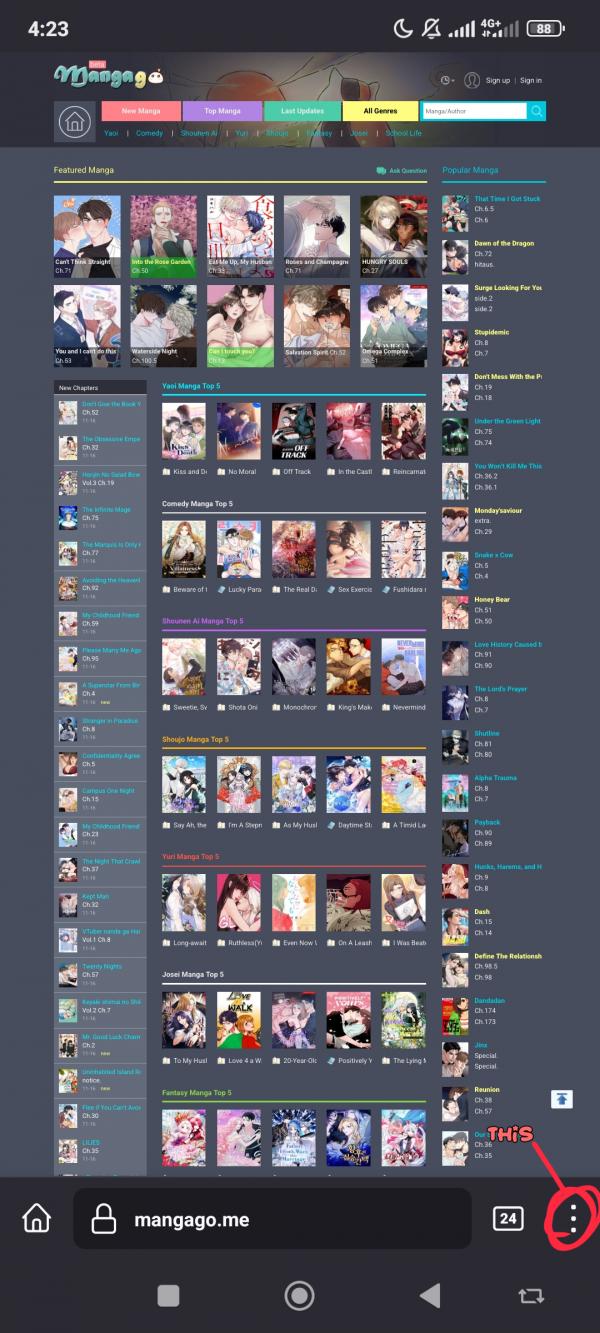
on your browser look for something like this
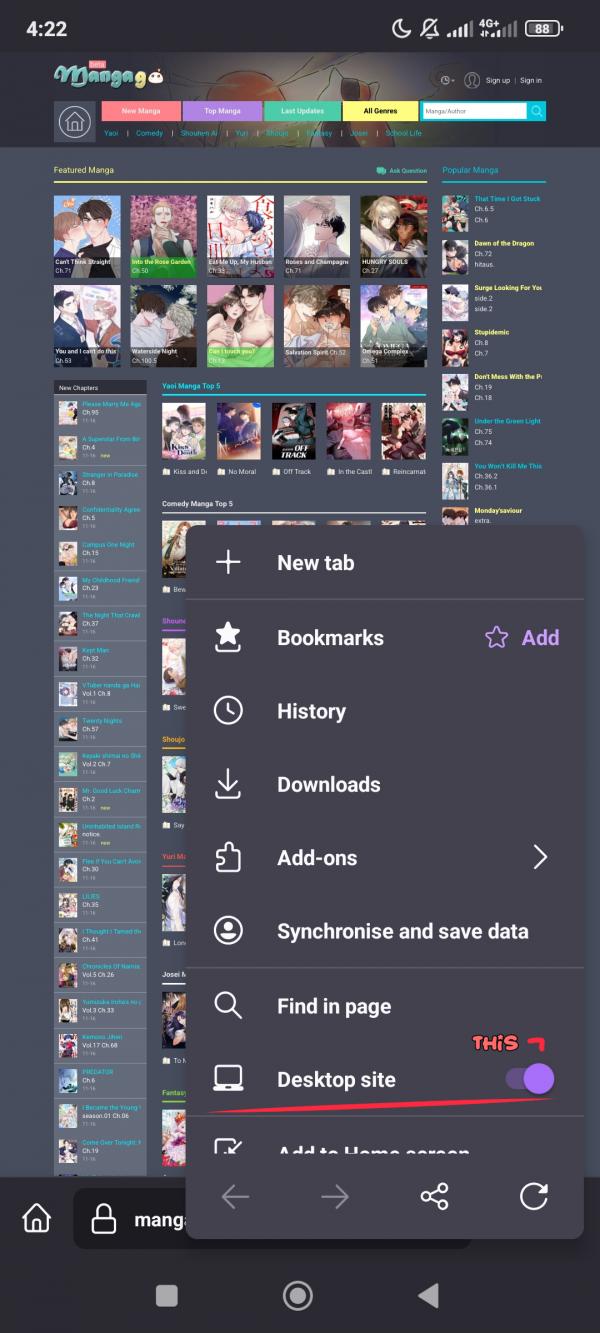
Look for "desktop version" and click it

Do this method if you're on a desktop site only when reading a chapter
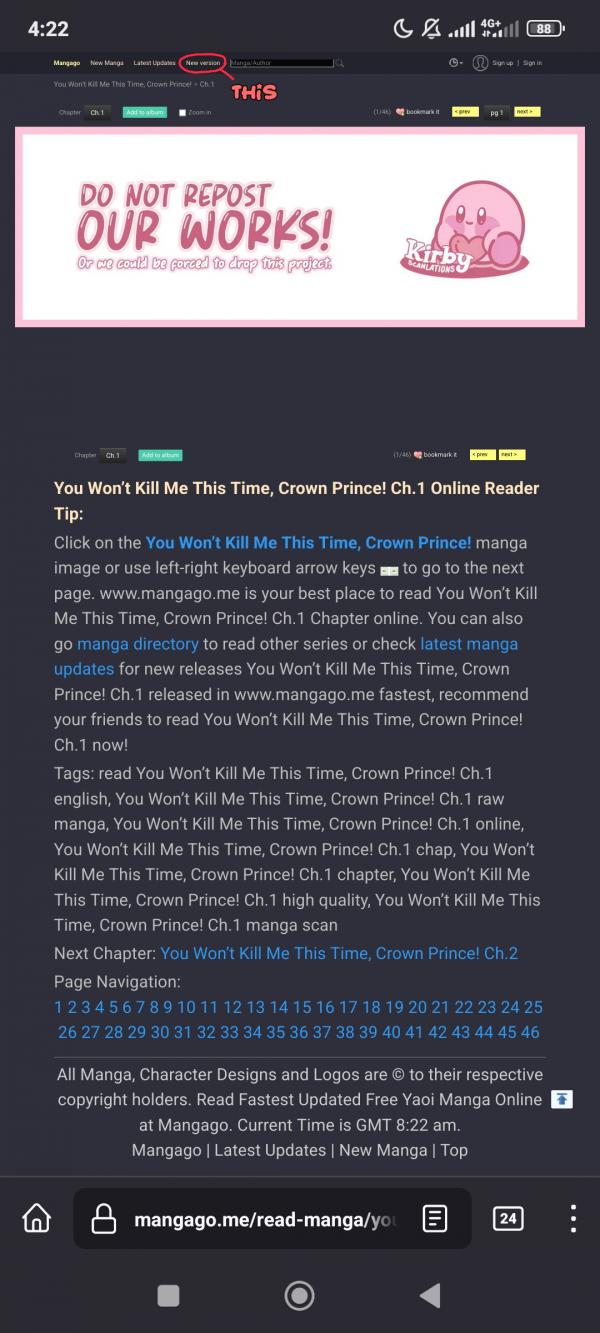
Go read a chapter of anything and look for this (new version) in the upper part of your browser/phone

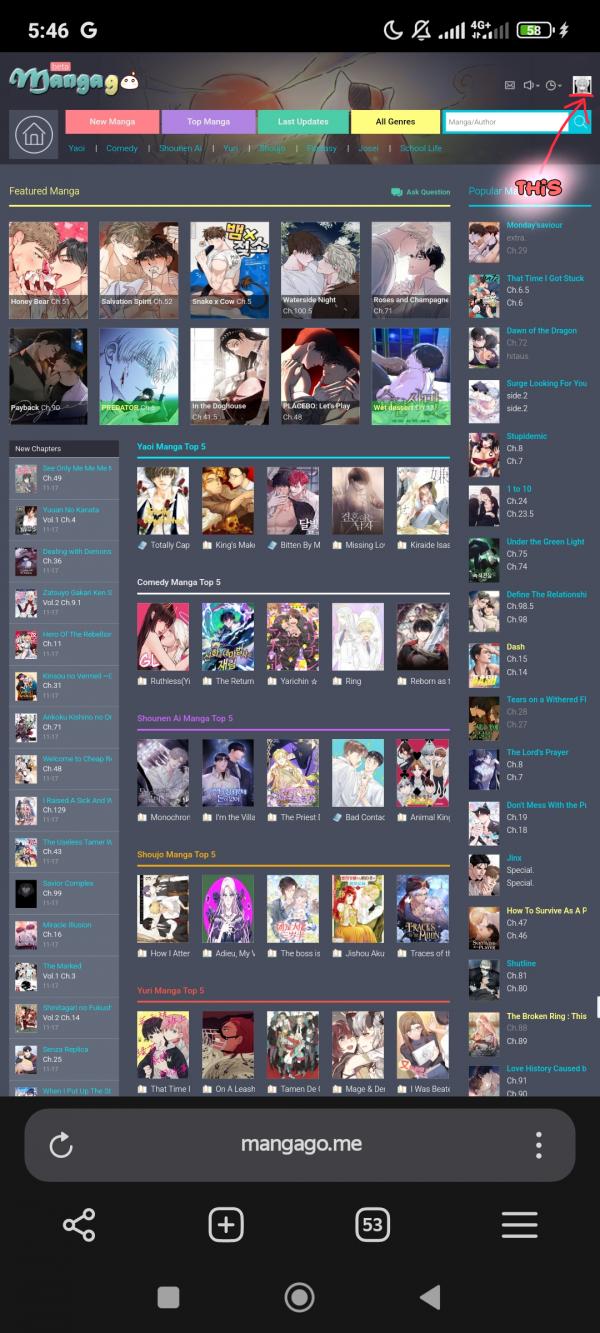
Click your profile/icon

Click the mobile version


Scroll to the very bottom of the site
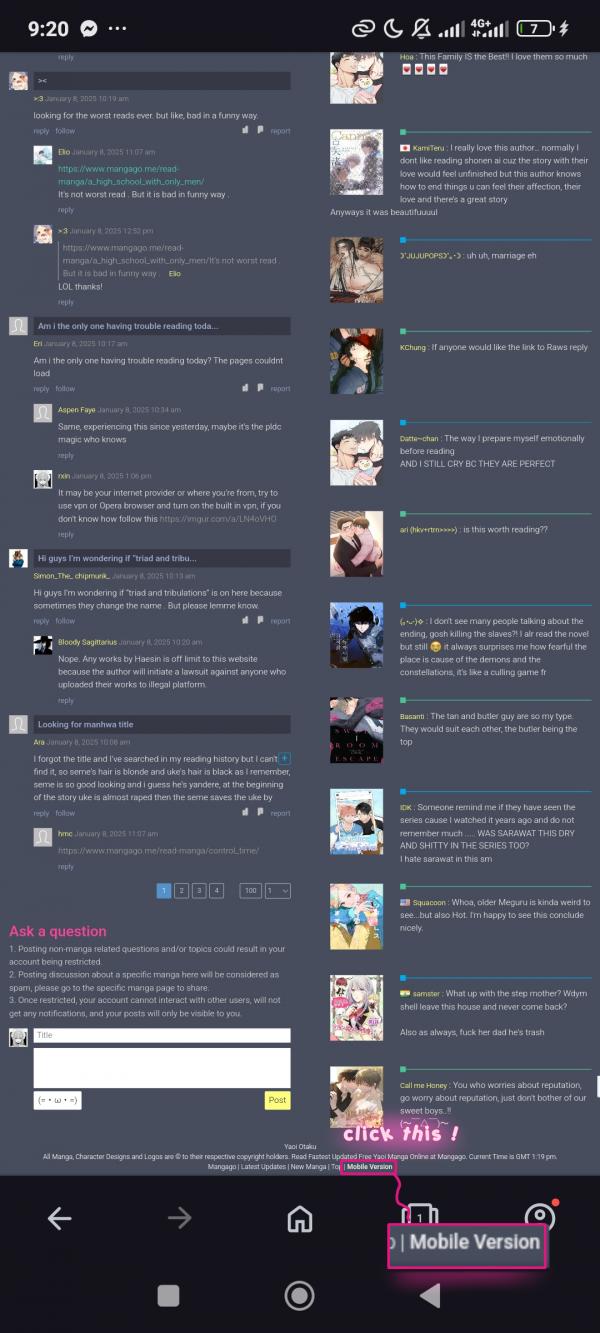
Look for the mobile version