Sorry, guys! During system maintenance, some functions like comment are unavailable.
having problem understanding this site
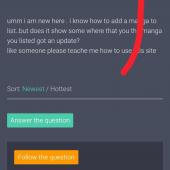
umm i am new here . i know how to add a manga to list..but does it show some where that you the manga you listed got an update? like someone please teache me how to use this site
Okay so there are three sections, mangas you want to read, mangas you are currently reading, and mangas you’ve read. My best guess is to add whatever you want to read to mangas you are currently reading so that it can give you updates via notifications. But another thing I’ve noticed is that there’s usually a schedule so if you just wait for ...... 1 reply
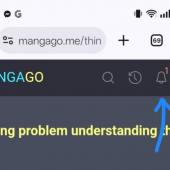
You have to mark it as read or currently reading then you will get a notification twice a day on the megaphone icon in the top right by your profile pic. You can also go to the clock and scroll down. Anything that you read in the past two weeks with an update with say updated since last read reply
There's a bell icon right beside the history icon where we get notifications of new chapters. Usually there will be 1 or 2 or more numbers on the bell to show how many notifications you got. But as mangago is facing trouble at the moment notifications are not working that well at least for me I think. 2 reply